How to Write a Great AI Prompt: A Practical Framework
Learn how to turn a vague idea into a clear instruction, choose the right amount of detail, and improve a result without starting over.
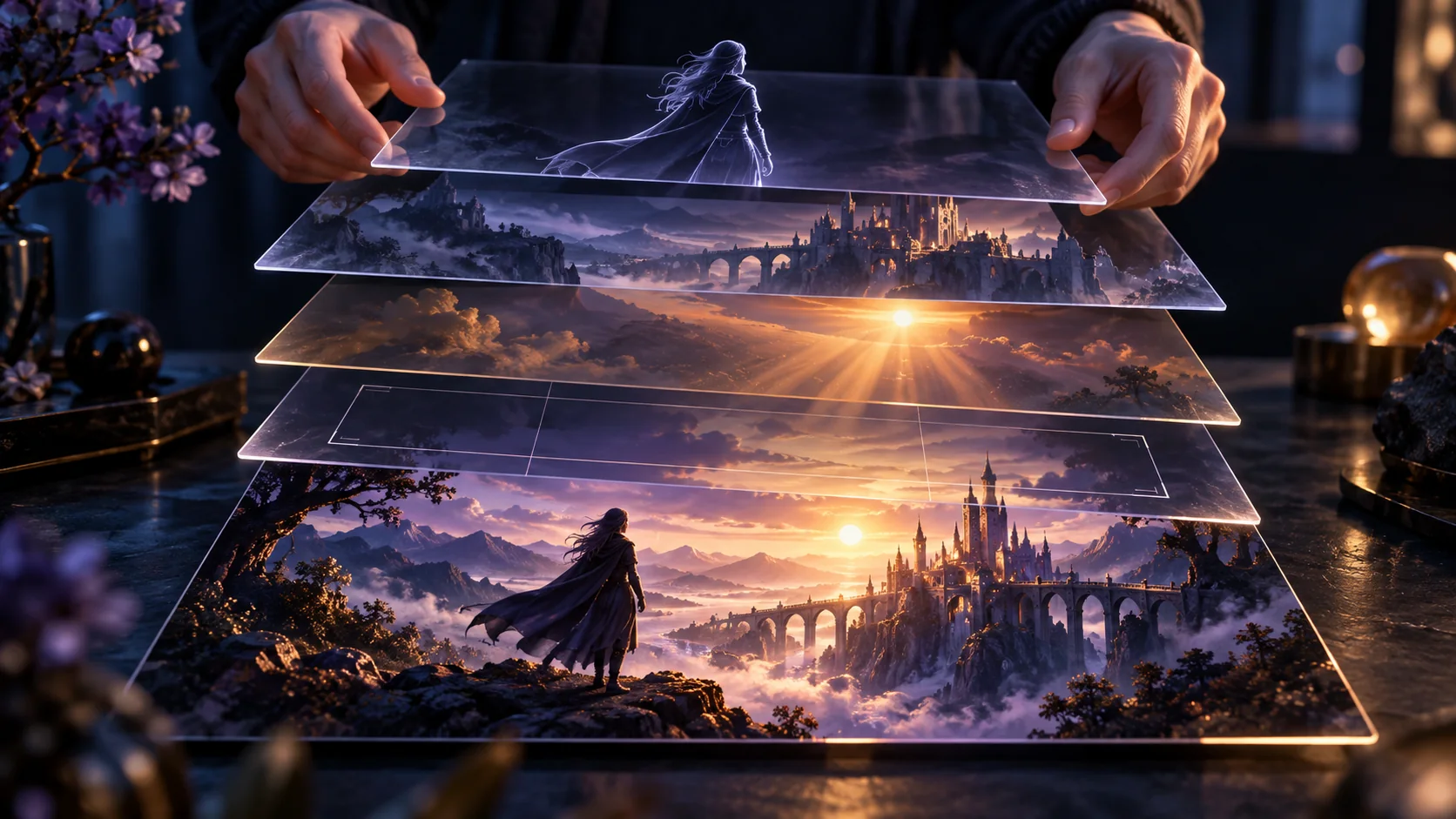
Start with an outcome, not a magic phrase
A prompt is an instruction plus useful context. First decide what you need: a factual answer, an image description, an edit, or a sequence of motion. Name the audience and the output when they matter. “Write a three-sentence product description for first-time buyers” is testable; “make it amazing” is not. There is no universal perfect prompt because different tasks and models need different inputs.
Use the five-part framework
State the goal, give necessary context, name the subject, set the constraints, and specify the output. You rarely need all five parts at equal length. For an image: “Illustrate a red-coated explorer on a volcanic ridge [subject and goal], wide frame [composition], teal aurora and warm horizon [lighting], editorial painting [style], no other people [constraint].” Put the most important visual elements first.
Give references a clear job
An uploaded image can act as a starting frame, a character reference, or a style reference. Say which role it plays. If you want to change only a background, identify what stays: face, outfit, camera angle and pose. Distinguish instructions about the source image from instructions about the final result; an AI tool may otherwise invent or replace elements you wanted to keep.
Separate requirements from preferences
Requirements are the elements that must be present or preserved. Preferences are mood, palette or optional styling. If the model misses a required element, remove lower-priority decorations or competing subjects. If an exact logo, caption or identity matters, inspect the generated output rather than assuming the prompt alone can guarantee accuracy.
Revise using evidence
Keep the first result and note one failure: wrong angle, missing subject, inconsistent motion or too much detail. Change one related instruction, regenerate, and compare. This makes improvement visible. Rewriting everything at once makes it hard to know what caused the change.
Use a prompt as a starting point
Capabilities, supported inputs and controls vary among models and products. A good prompt improves direction but cannot guarantee exact visual identity, text, physics or factual correctness. Check the output and the current product documentation when the result matters.
An image idea
Make a cool scene.
A traveler in a crimson coat stands on a volcanic ridge beneath a teal aurora. Wide landscape view; warm light grazes dark rock; one person only.
The second version states the subject, setting, framing, light and a clear constraint.
Weak: “Make a cool cinematic image.”
Improved: “A lone explorer in a crimson coat stands on a black volcanic ridge beneath a teal aurora. Wide landscape composition, low viewpoint, warm light on the rocks, no other people, editorial illustration.”