
Free Image Prompt Generator
Turn a short written idea into a detailed AI image prompt.
How this tool works
Write your subject and setting, then choose a target model. Promptlyfied expands the idea with composition, lighting, color, texture and style. Copy the text into an image generator to make the image.
Read the related prompt guide or explore image prompt examples.
JavaScript is needed to use the generator.
Visual example
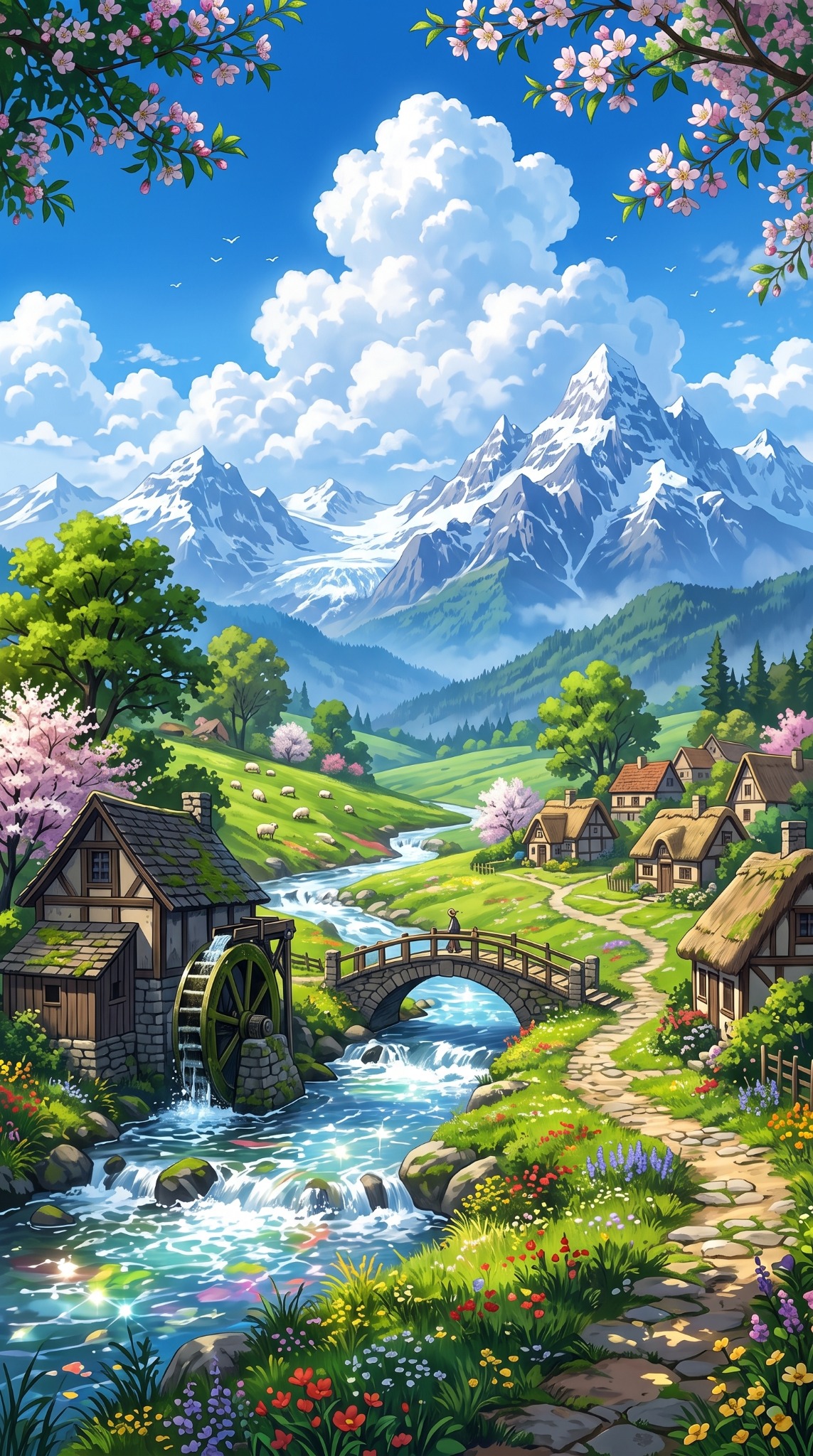
Spring mountain village with a watermill, bridge and blossoming trees
IN PRACTICE
Give a small idea a clear visual direction
Choose a subject, a setting and a coherent visual style. A useful revision makes a few decisions clear instead of piling on quality words.
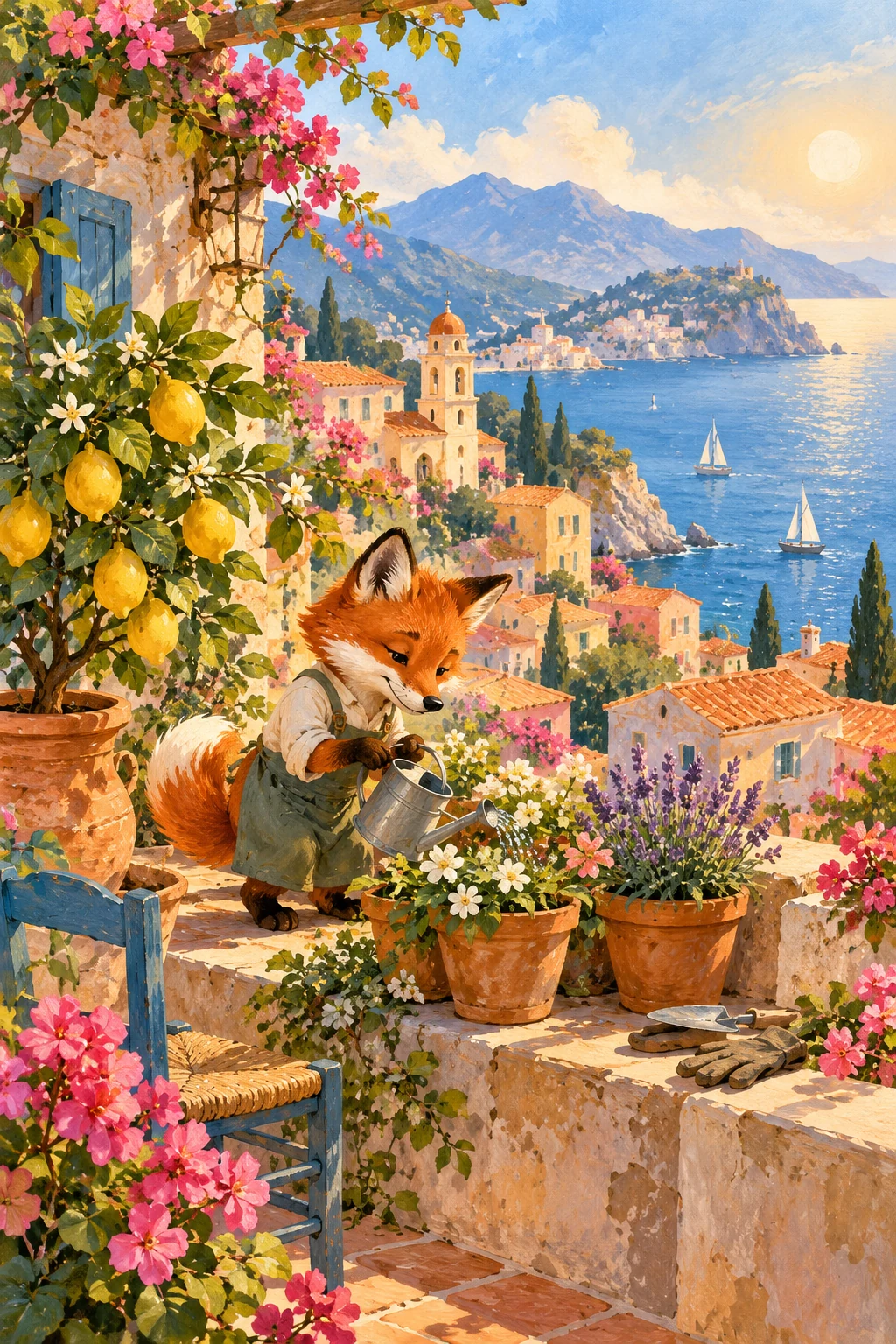
A cute fox somewhere beautiful. Make it amazing.
Storybook illustration of a small fox tending pots of white flowers on a sunny stone terrace above a Mediterranean bay. Lemon branches frame the left edge, with pastel coastal houses and sailboats below. Warm afternoon light, soft painted textures and a cheerful yellow, blue and terracotta palette.
The revised text is still a prompt. Paste it into your image generator, inspect the result and change one instruction at a time; this tool does not render the image.
Frequently Asked Questions
What is the Image Prompt Generator?
It turns a short written idea into a more detailed image prompt. Choose a target style, enter your idea, and use the generated text in an AI image generator.
How does it help speakers of different languages?
The reply automatically follows the language of your written idea. You do not need to change the site language. Arabic, English and the other ten supported languages can be used directly.
Do I need to write prompts in English?
No. Many image generators accept multiple languages, although results can vary by model. Choose the language that works for your generator and review the output.
Is the Image Prompt Generator free?
Yes. Text-only prompts have no daily image allowance, but short-term rate limits and AI service availability still apply.
How can I generate a better image prompt?
Start with a clear subject and action. Add the setting, lighting, visual style, colors, and composition that matter to you. Generate a draft, then revise the idea or edit the output to remove details you do not want. There is no single perfect prompt for every image model.
What is an example of a simple idea becoming an image prompt?
A simple idea such as “a fox in snow” can become a prompt that describes the fox’s pose, a snowy forest, soft morning light, a camera angle, and a visual style. Review generated details so the final prompt still matches your idea.
Which target should I choose: General, Midjourney, FLUX or Stable Diffusion?
Choose the image generator where you will paste the prompt. General is a flexible starting point; the other choices tailor the wording for that generator. This selection changes the prompt instructions, not the AI service running on Promptlyfied. Review model settings in your image generator separately.
Why can a shorter AI image prompt work better?
A focused prompt reduces conflicting details. Keep the subject, composition and requested style clear, then add only details that support the result.
What does choosing Kling change in an image prompt?
Kling uses a natural-language still-image prompt with a clear subject, composition, lighting and style. The target changes the writing instructions; it does not connect to Kling or generate an image. To describe motion, use one of the video-prompt tools instead.