
Free AI Image Describer
Describe a picture with AI, for free.
How this tool works
Upload a photo, screenshot or illustration and turn it into a short or detailed text description. Choose objects, art style or visible text when you need a focused result. No signup required; five image requests per day on your network. Review names, numbers and small text against the original.
Read the related prompt guide or explore image prompt examples.
JavaScript is needed to use the generator.
Visual example
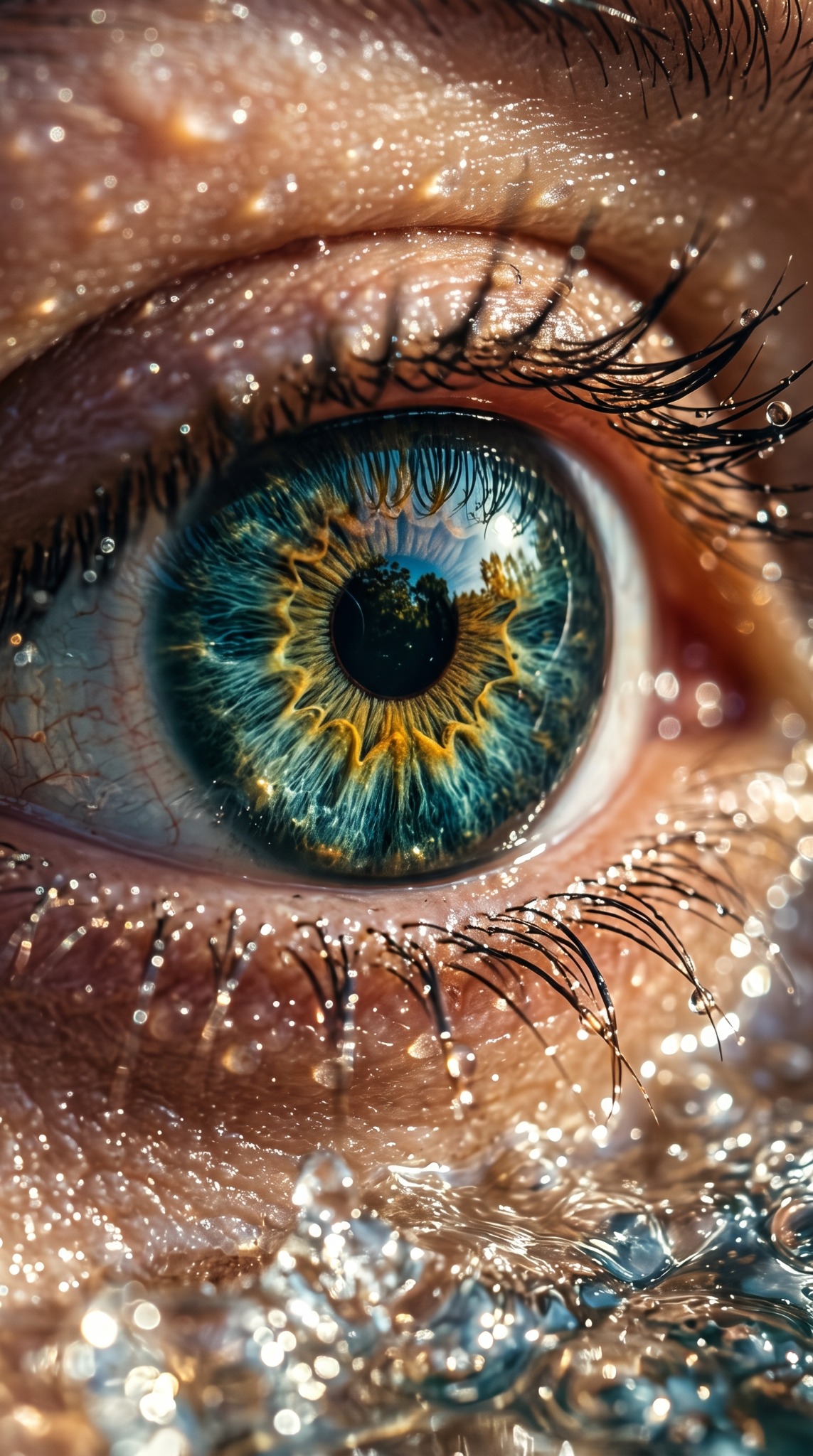
Close-up blue and gold iris with droplets and warm light
IN PRACTICE
A useful description starts with visible evidence
A description explains the image to a reader. A generation prompt tells another model what to create. Those outputs can use the same picture but serve different purposes.
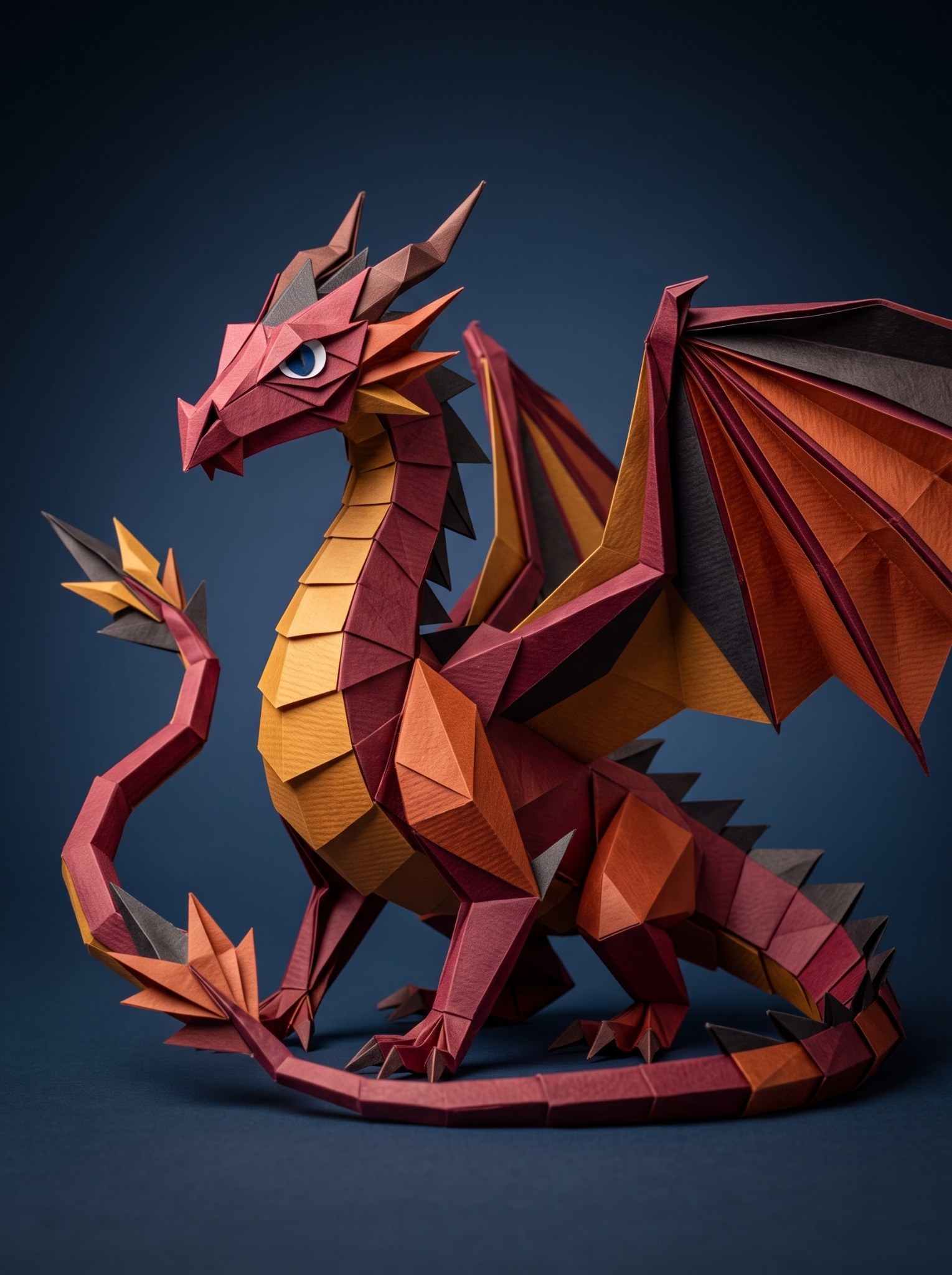
It is a red dragon.
A sculptural dragon made from angular folds of burgundy, orange and golden paper sits against a dark navy background. It has pointed horns, a bright blue eye, layered plates down its chest and a long curled tail. One large folded wing extends toward the right edge.
Separate what is visible from a guess about materials, species or identity. A description is not verified OCR or a factual identification.
Frequently Asked Questions
What is the AI Image Describer?
It uses AI to turn an uploaded picture into text. You can choose a detailed description, a brief summary, a person or object description, art-style analysis, or text extraction.
Can I use the AI Image Describer for free?
Yes. It shares the five free image requests per day on this network with the other image-based tools. The allowance resets at midnight UTC.
How accurate is the description?
AI descriptions can miss details, misread text, or make incorrect assumptions. Check names, numbers, and other important facts against the original image.
What is the difference between Describe Briefly and Describe In Detail?
Describe Briefly aims for a short overview. Describe Image In Detail asks for more information about the subject, setting, colors, and visible elements.
How is the privacy of my photos protected?
The site processes your image to generate a response and does not offer a stored photo library. The AI service receives it for processing. Read the Privacy Policy for how uploads and abuse controls are handled.
Can I extract text from a picture with the image describer?
Choose the visible-text option when you need words from a picture. Check names, numbers and small lettering against the source before using them. A generated description is not a guarantee of exact transcription.
When should I use Person, Objects or Art Style in the AI Image Describer?
Person focuses on visible pose, clothing and expression. Objects identifies visible items. Art Style focuses on medium, palette and composition. Choose Brief for an overview or Detail for a fuller scene description; these modes describe the picture rather than edit it.
Why does image-to-text extraction miss letters or return unclear text?
Small lettering, blur, glare and stylized fonts can make transcription unreliable. Try a clearer crop of the text and use Extract Text From Image. Compare the result with the original; an [unclear] marker means you should verify that part rather than guess.
Can I use an AI image description as alt text?
Use the brief description as a starting point. Edit it for the image’s purpose on your page, remove unnecessary detail and check it against the picture.