Kling
Our shared brief is a woman in a crimson coat with an orange cat at a rain-soaked train platform at blue hour. The goal is to keep that recognizable scene while changing the instructions for a still image, an image edit, or a moving shot. Compare the subject, setting, action, camera, light and what must remain consistent. Promptlyfied writes prompt text; the selected image or video service produces the media.
When to use this workflow
Choose text-to-video for a new scene and image-to-video for animating a supplied frame. Some products support more references or editing modes. Name your subject, a short action and the camera movement before adding style. A prompt can suggest motion; the product settings determine supported length and output shape.
Kling: animate the starting scene
Kling offers AI video and image creation. For an image-to-video task, explicitly anchor motion to the uploaded picture: “Keep the person and outfit; she turns toward the window while the camera slowly moves in.” Check Kling’s current release notes and selected mode for available controls rather than assuming every version supports the same reference, audio or duration options.
Example 1: the rainy platform
See how the same rainy train-platform concept changes when the goal is a still image, an edit, or a moving shot.
Use the uploaded platform image as the starting frame. Keep the woman’s coat, the cat and the platform layout recognizable. The train moves away; she looks up as the camera makes a gentle side track. One continuous shot.
Why the prompt is written this way
Assign the uploaded image a role and request a manageable motion. Available controls depend on the selected Kling mode.
Example 2: a different scene
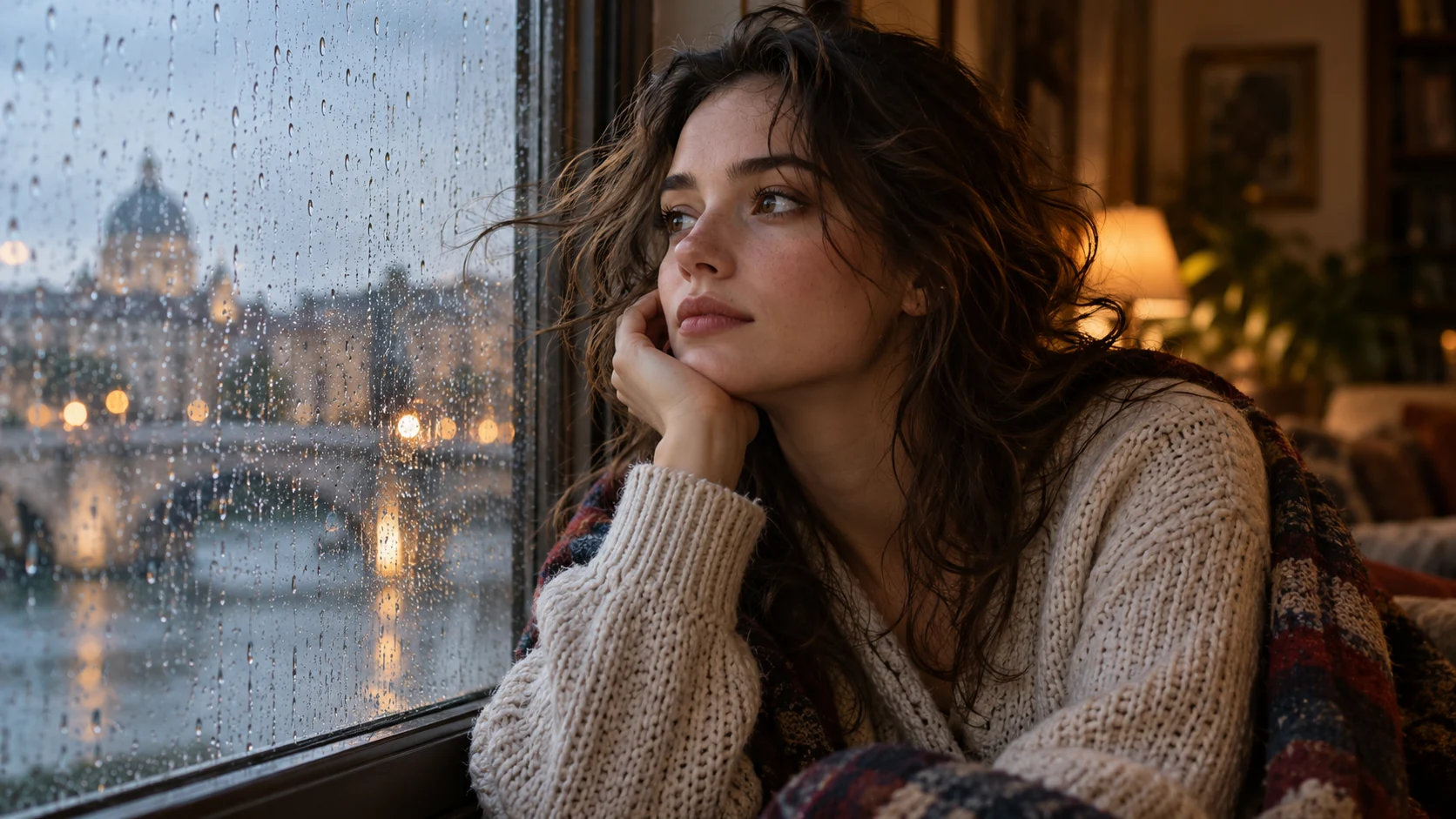
Use the uploaded portrait as the first frame. Keep the person’s face, clothes and background recognizable. A breeze lifts loose hair; the person slowly turns toward a window as the camera makes a gentle push in. Avoid a scene cut.
How to adapt the second example
The second prompt animates a portrait you supply. If there is no uploaded image, describe the initial scene in text and use a mode intended for text-to-video.
If the result misses the brief
A 6–10 second shot usually works better with one primary action and one camera move than with five locations, three character entrances and a rapid montage. For longer supported clips, make the transitions explicit. Review movement, character consistency and sound separately, then simplify the part that failed.
Model releases change quickly. Note the model version and the date of your test when comparing outputs, and separate developer claims from what you personally observed. This page is a prompt-writing guide, not a ranking of video quality or a promise that Promptlyfied runs those video models.
Try the matching prompt tool ↗Reviewed 2026-10-12