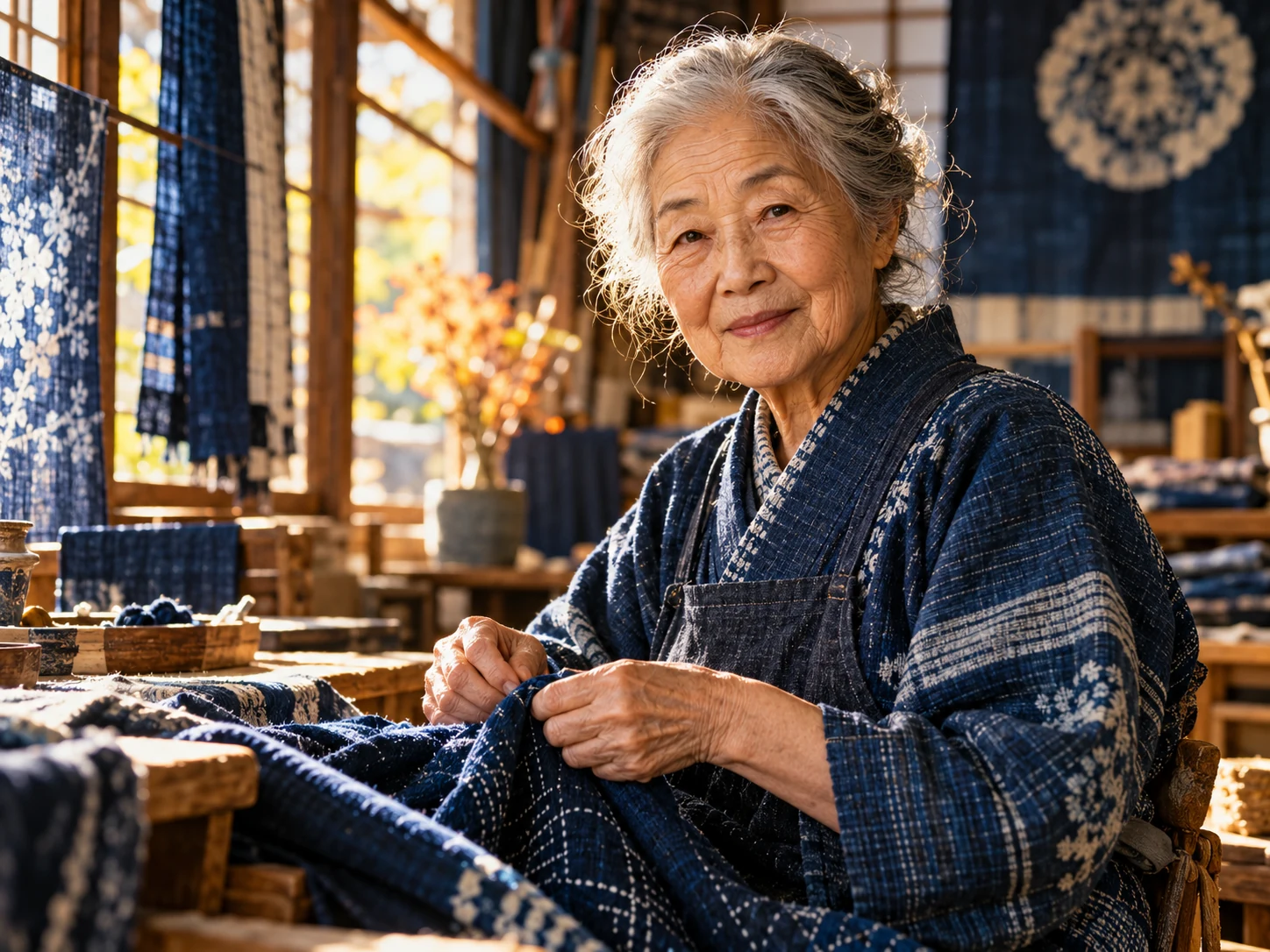
Textile studio portrait
A silver-haired Japanese craftswoman in a sunlit indigo textile studio. Expressive natural face, finely woven fabrics, warm window light, rich indigo and amber colors, realistic editorial photography.
 Promptlyfied
Improve photo clarity online. Enhance JPG, PNG and WEBP images, compare the result and download—all in your browser.
Choose an image to get started.
Compare the result. Keep what looks better.
Select an image to explore its creative prompt.
A silver-haired Japanese craftswoman in a sunlit indigo textile studio. Expressive natural face, finely woven fabrics, warm window light, rich indigo and amber colors, realistic editorial photography.
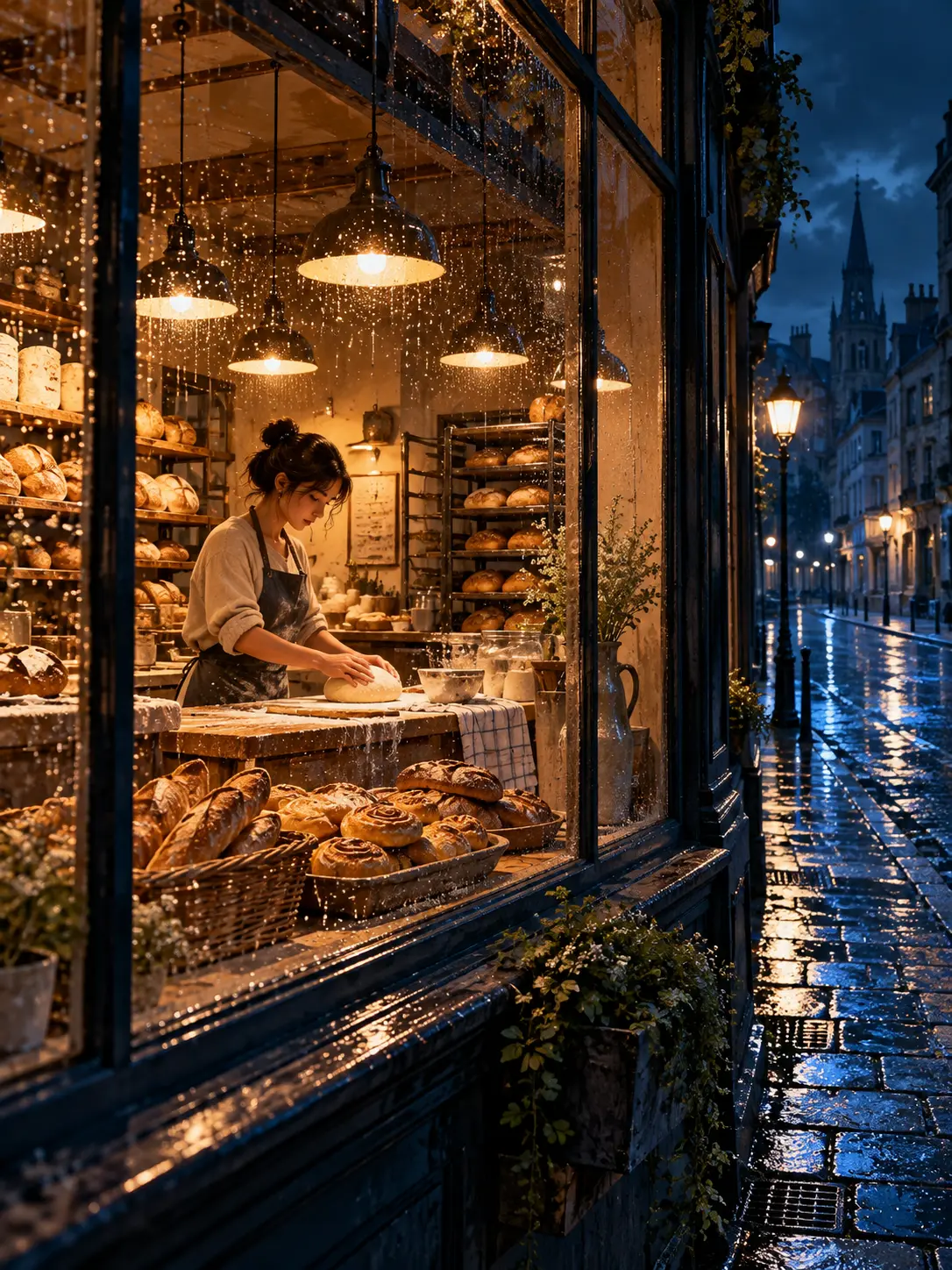
A baker works under warm lights while a rainy blue-hour street glows outside. Fresh bread, reflections and soft steam create a quiet cinematic scene.
A reduced, lightly blurred and compressed AI-generated reference. Actual output from this tool using Real-life photos, 2× dimensions and Automatic processing.
Inspect full size ↗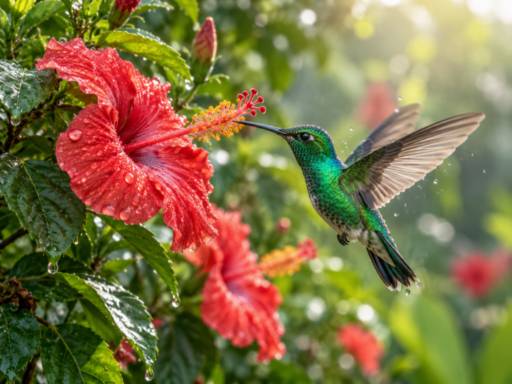
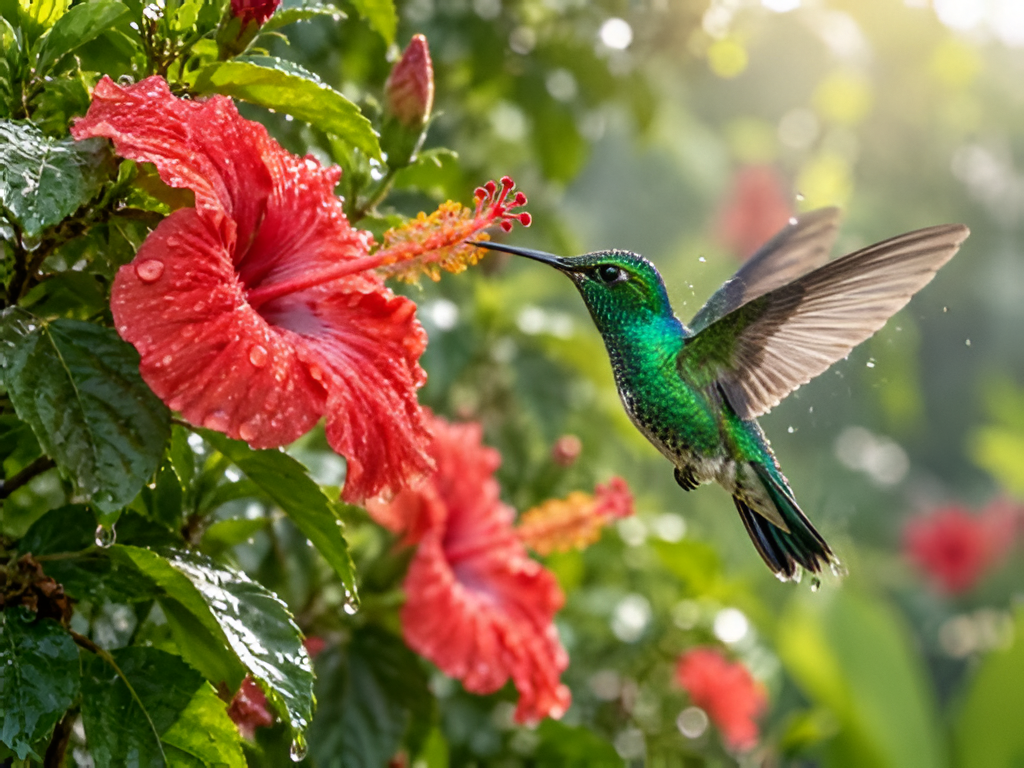
A smaller illustrated reference, processed with Animation & artwork, 2× dimensions and Automatic. Compare the drawn edges at the same viewing size.
Inspect full size ↗
A few things to know before you enhance.
Enhancement can improve the appearance of edges and texture. Strong blur and missing detail cannot always be corrected, so compare the result with the original.
Yes. The current tool is free and requires no account. Processing runs on your device rather than a paid processing service.
The enhancer processes selected files in your browser. Your device downloads the application and models, but your source files and results are not uploaded by this tool.
The tool tries to protect detected text, but can miss letters. Faces and textures may gain generated detail. Keep the original and check important details before sharing.
A larger image has more pixels, but may not have more accurate detail. Compare at the same viewing size and check faces, text and edges before downloading.
The image enhancer supports transparency and PNG output. Check the outline and partially transparent edges in the downloaded image before using it in a design.
Original size keeps the input dimensions while enhancing the picture. 2× doubles width and height, producing four times as many pixels and using more memory. Choose it when you need a larger image, then compare text, faces and edges at the same viewing size.
Start with Automatic to use available browser acceleration. If enhancement fails or behaves incorrectly, try Compatibility, which uses CPU-based browser processing and may be slower. Processing stays on your device; switching mode does not upload the image.
Choose Animation & artwork for drawings, cartoons, anime and flat-color graphics. Choose Real-life photos for people, animals, scenery and camera images. Select a type before enhancing so the tool uses the matching enhancement path.
Upload a JPG, PNG or WebP image up to 40 MB. The enhanced result downloads as PNG. For HEIC, RAW or another unsupported format, export a PNG or JPG copy first; changing the filename extension does not convert the file.