
Free Image to Prompt Generator
Upload an image and turn it into a detailed AI prompt for Midjourney, FLUX or Stable Diffusion. Free to try, with no signup.
Turn a picture into an image prompt
Promptlyfied describes the subject, setting, colors, lighting and composition of your uploaded image, then writes a prompt you can use in another AI image tool. The image tools include an AI Image Describer and an Image Prompt Generator for written ideas.
JavaScript is needed to upload an image and generate a prompt.
Explore image prompt examples
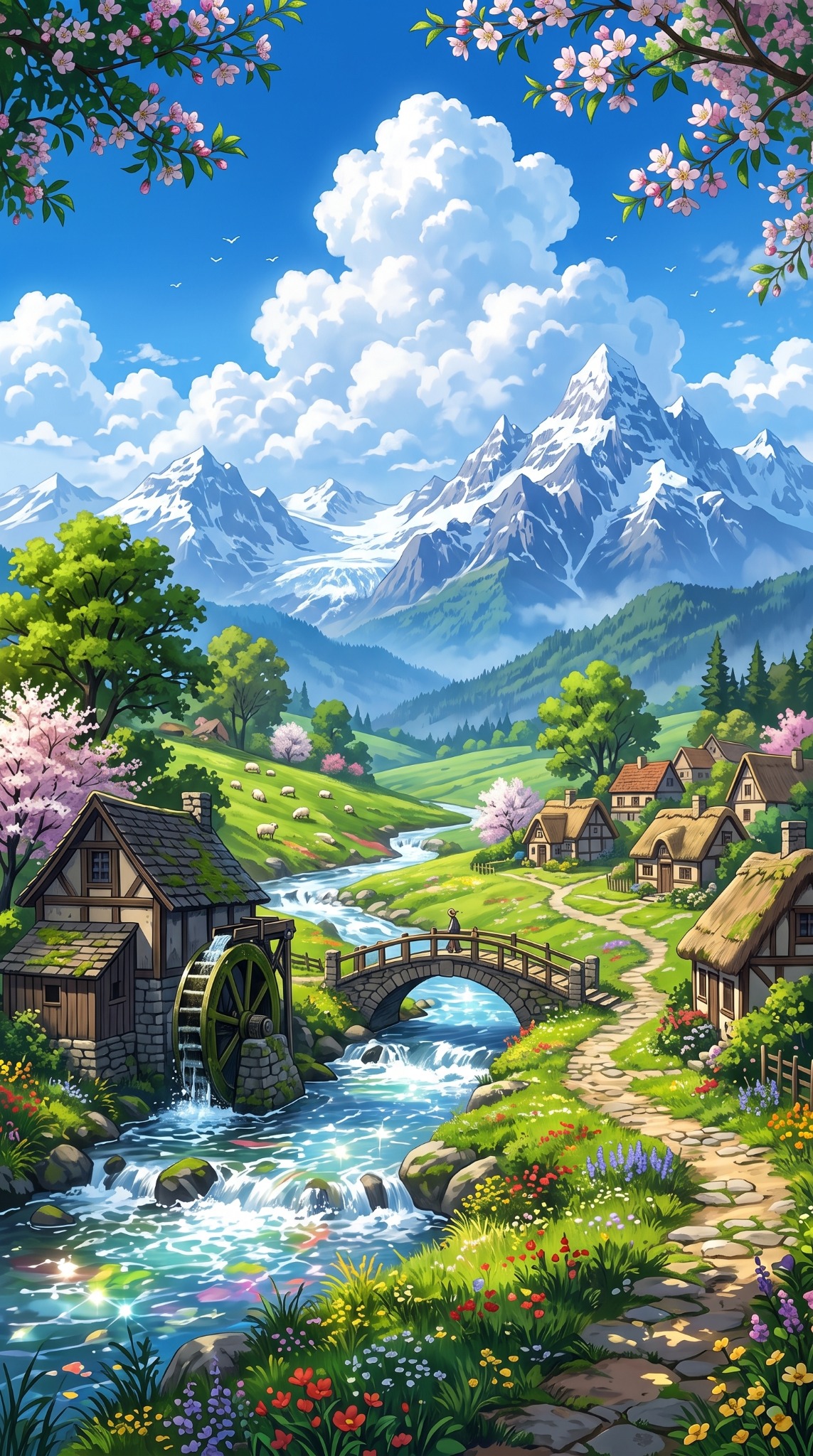
See the visual references and their prompts in the Inspiration gallery, or read the guide to writing AI image prompts.
IN PRACTICE
Keep the details that make the reference work
Keep the details you can see. A useful image prompt describes the subject, framing, light and materials, then leaves room for the changes you want to make.
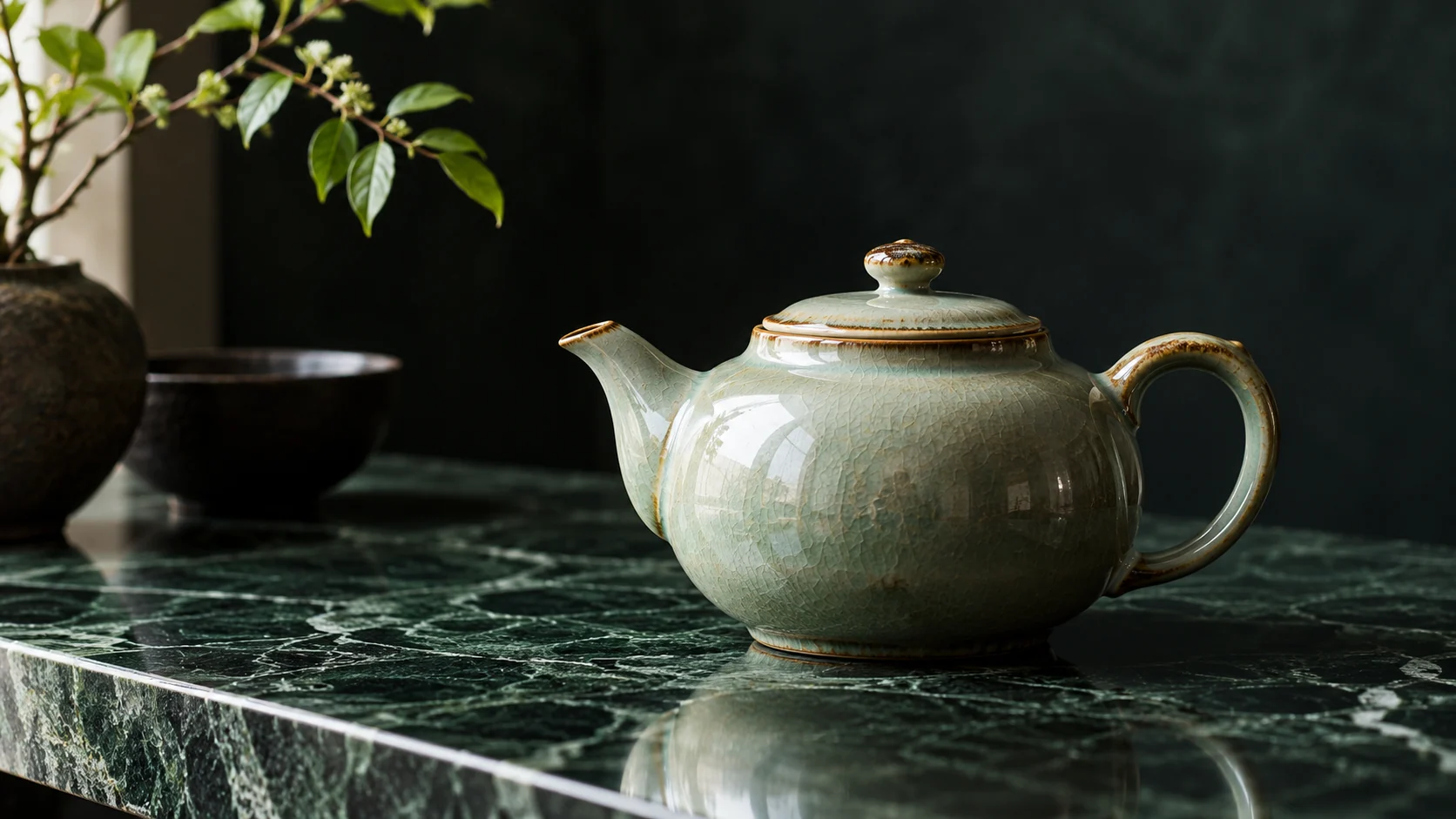
A nice teapot, beautiful lighting, high quality.
A pale celadon teapot with crackle glaze and a brown-edged lid on a dark green marble counter. Its spout points left and the curved handle sits on the right. Soft window light reflects on the rounded ceramic body; a leafy branch and dark bowl recede into the background.
Remove details the model may have guessed, then add only the controls your chosen image generator supports. An image cannot reveal the exact original prompt.
Frequently Asked Questions
What makes a good image prompt?
A good image prompt gives the AI enough information to understand your creative idea without adding unnecessary details. Describing the subject, setting, style, lighting, perspective, colors, and mood can help produce more accurate and visually interesting results.
What is an image prompt generator?
Promptlyfied’s Image to Prompt examines an uploaded image and writes a text prompt describing its visible subject, setting, lighting, and style. If you have only a written idea, use Prompt Optimizer instead. Neither tool generates an image.
Do image prompts work with different AI image generators?
Yes. Image prompts can be used with different AI image generators , although each platform may interpret prompts in its own way. Some generators may respond differently to certain descriptions, styles, keywords, or prompt structures.
Can I use image prompts with Midjourney?
Yes. Midjourney prompts can describe subjects, environments, artistic styles, lighting, composition, and other visual characteristics. Creating detailed and intentional prompts can give you greater control over the direction of your generated images.
Why use Promptlyfied for image prompts?
Upload an image and choose General, Midjourney, Flux, or Stable Diffusion. Promptlyfied returns text you can review and copy into a separate image generator. Image-based requests share five free uses per day on this network; text-only prompts have no daily image allowance.
Which target should I choose: General, Midjourney, FLUX or Stable Diffusion?
Choose the image generator where you will paste the prompt. General is a flexible starting point; the other choices tailor the wording for that generator. This selection changes the prompt instructions, not the AI service running on Promptlyfied. Review model settings in your image generator separately.
What kind of reference image gives a better image-to-prompt result?
Use a clear image with the subject, lighting and style you want to describe. A tight crop can help focus on one subject. Small, blurry or crowded references may produce less reliable details; check the prompt before copying it.
Can an image-to-prompt tool recreate a picture exactly?
A prompt describes visible content; it cannot guarantee an identical image. Use a permitted reference image in the destination generator when composition or character consistency matters.
What does choosing Kling change in an image prompt?
Kling uses a natural-language still-image prompt with a clear subject, composition, lighting and style. The target changes the writing instructions; it does not connect to Kling or generate an image. To describe motion, use one of the video-prompt tools instead.