
Seven AI Prompt Details People Often Miss
What if the missing detail is a control, not another adjective?
Learn the overlooked controls behind stronger image and video prompts, from reference roles and framing to output checks and model limitations.
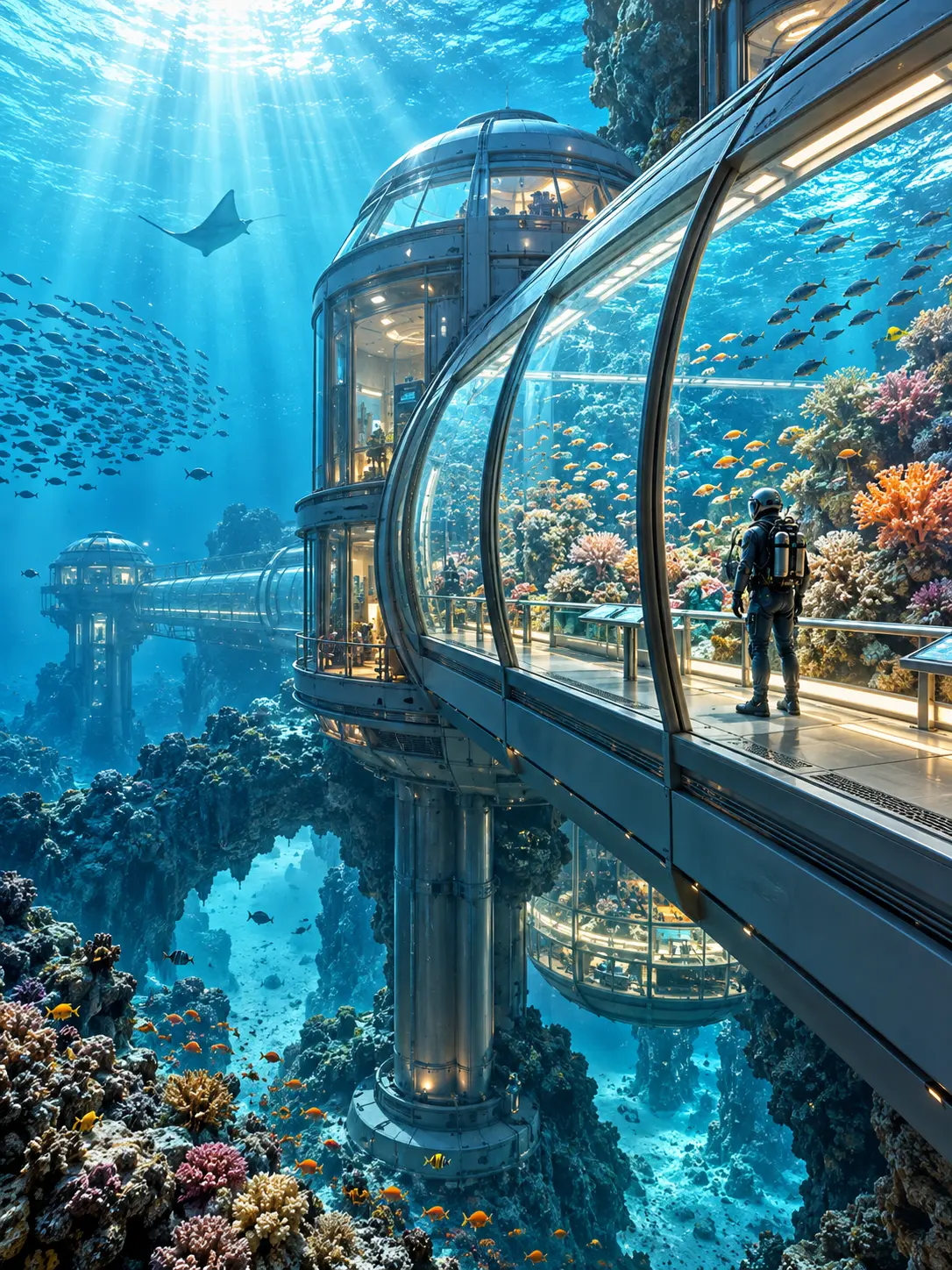
1. A reference image needs a role
Uploading a picture does not explain whether it should control the subject, first frame, background or style. Name its role in a sentence. For image-to-video, say the upload is the starting frame and identify the subject's next action. Without that instruction, the model may describe the picture while ignoring your intended motion.
2. Aspect ratio and framing are different
A 9:16 frame tells the tool the shape, if the tool supports that setting. It does not tell the camera how close to stand or where to leave empty space. Ask for a medium shot with the person in the right third, or a close-up that keeps both eyes visible. Use the actual aspect ratio control in the destination app when offered; a typed suffix is not universal.
3. Negative prompts are product-specific
Some tools offer a separate negative prompt field; others expect natural language, and some ignore negative phrasing. Instead of a long list of unwanted things, prioritize what should appear. If a crowd keeps intruding, try a single subject in an empty station, with the background kept quiet. Verify a specialized syntax before recommending it for a particular model.
4. Text inside an image needs inspection
Even when a model improves at rendering words, signs, labels and logos may be misspelled or distorted. Give exact text only when the tool supports it, leave clear space, and inspect the actual pixels. For important brand text, add the typography in a design editor after generating the background.
5. Video needs an end state
A video prompt that lists mood and camera language without action leaves the model guessing what changes. Write the starting state, one main event, and the ending state. Keep the motion plausible for the clip's duration. If you supply a first frame, preserve its people, clothes and perspective while asking for a small clear action.
6. Longer is not always clearer
More clauses create more opportunities for contradiction. Rank requirements. A prompt with one subject, one movement and one camera instruction can outperform a paragraph that asks for several simultaneous events. Remove low-priority details when a crucial feature disappears.
7. The first result is evidence
Treat output as feedback, not proof that your wording is perfect. Keep successful versions, compare changes, and note which instruction made a difference. Model updates can change behavior, so a prompt that worked last month may need a fresh test. Do not promise identical results across Midjourney, FLUX, Veo, Kling or another destination.
Put it into practice
4. Text inside an image needs inspection
Create a luxury perfume poster with a perfect logo and flawless tiny lettering.
An emerald glass perfume bottle on ivory stone, side-lit with a soft shadow. Keep the upper third plain for a headline and leave clean space below for a label. Product photography, no embedded wording.
The prompt reserves space for typography instead of assuming exact lettering. Add approved text afterward and inspect the finished pixels. This is a writing example, not a generated-image comparison.
Before and after
Animate this image in a cinematic way, make everything move, lots of camera angles.
Use the uploaded image as the first frame. Keep the glass tunnel, diver suit and coral positions recognizable. Over six seconds, a small school of fish crosses the window from left to right while the scientist turns toward it. Slow, steady camera push forward; end with the fish just beyond the window.
The revised prompt gives the picture a role and sets one action, camera move and end state.
Reviewed 2026-10-24 · English edition